Merry AI writes primary care notes into Elation Health through the browser, not a server API
Merry AI's Chrome Extension reads the active Elation Health visit note in the clinician's browser tab and writes clinician-reviewed text directly into the matching input fields. The extension operates as a DOM overlay: it identifies the visit note editor already rendered on screen, locates the Assessment and Plan fields, and inserts draft text the same way typed input would arrive. No server-to-server API connection, marketplace listing, or EHR vendor approval sits between the draft and the chart.
For primary care practices, this matters because the visit note is where reimbursement evidence lives. A G2211 add-on code is only as defensible as the Assessment narrative supporting it, so the overlay is engineered around that single section rather than around a generic block of note text.
The overlay binds only to Elation visit note Assessment and Plan fields
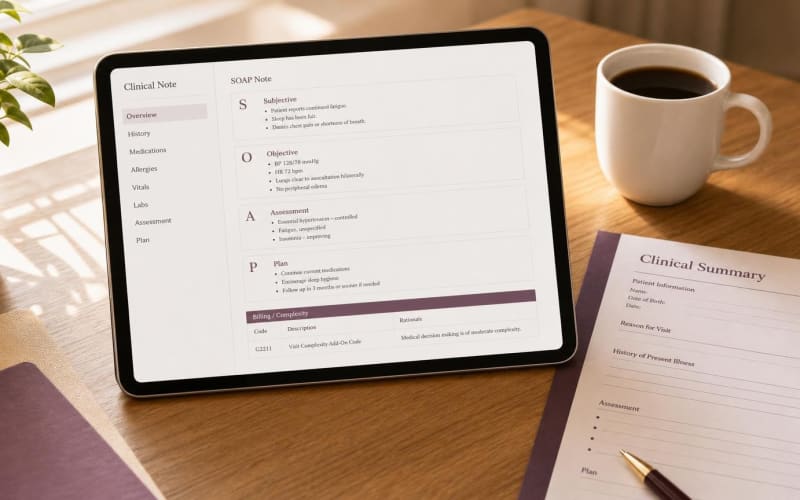
Elation Health supports several visit note formats for primary care: SOAP Note, Simple Note, Complete H&P in 1-column and 2-column layouts, and Pre-Op notes. Each format sits over a shared structure with a note header (Visit Note Category, Assigned Provider, date and time), core fields such as Exam Reason and Follow Up, and a Billing Information section that summarizes diagnosis and CPT codes.
Merry AI binds its overlay to the Assessment and Plan fields of the active visit note. In a SOAP Note, that means the Assessment and Plan text boxes. In Complete H&P and Pre-Op layouts, it means the Assessment and Plan sections where Elation expects diagnostic reasoning and treatment decisions. Simple Note has no discrete Assessment field, so the extension holds the draft and asks the clinician to choose placement before anything is written.
The overlay never touches Billing Information codes, orders, prescriptions, referrals, or Clinical Profile imports. Code selection for G2211 stays with the clinician or the billing team. Merry AI drafts the narrative evidence. It does not choose, add, or submit codes.
G2211 documentation must name the clinician's role, the chronic conditions, and the continuity of care
CMS describes HCPCS G2211 as visit complexity inherent to E/M care that serves as the continuing focal point for all needed health care services, or that is part of ongoing care for a single serious condition or a complex condition. It is reported as an add-on to office/outpatient E/M codes 99202-99205 and 99211-99215, and to home or residence E/M visits.
Reviewers look for three elements in the note. First, the primary managing clinician role: the note states that the clinician serves as the patient's ongoing primary care clinician. Second, the chronic conditions managed during the visit, named specifically rather than summarized as 'multiple comorbidities.' Third, continuity of care: evidence that this encounter belongs to a longitudinal relationship with a defined next step.
Merry AI's primary care template drafts a two-sentence anchor at the top or bottom of the Assessment field. A typical draft reads:
Every clause in the anchor must trace to facts already documented in the visit or the chart: problem list entries, active medications, recent labs, and referrals. Merry AI does not reuse identical complexity language across patients, because cloned narrative is a recognized audit flag.
G2211 drafts are suppressed for episodic visits and constrained by modifier 25 rules
The overlay suggests a G2211 anchor only when the encounter reflects ongoing longitudinal care. An isolated, uncomplicated upper respiratory infection in an otherwise healthy patient with no ongoing management does not fit the intent of the code, and Merry AI does not draft an anchor for it.
Modifier 25 adds a second constraint. CMS does not pay G2211 when the base E/M is reported with modifier 25, except where the modifier 25 E/M is furnished on the same day as an annual wellness visit, vaccine administration, or a Medicare Part B preventive service, an exception effective for CY 2025. When a procedure or preventive service appears in the visit, Merry AI prompts the clinician to confirm which situation applies before keeping the anchor.
Merry AI works alongside Elation Note Assist instead of overwriting it
Elation's own Note Assist feature records visits and populates template sections inside the EHR. Practices already using it do not need a second full-note generator competing for the same fields. Merry AI can run in a narrow mode that inserts only the G2211 continuity anchor into the Assessment field, leaving Note Assist output untouched. Every injected line remains fully editable and deletable before signature.
Browser-native DOM mapping bypasses EHR marketplace paywalls entirely
Traditional EHR integrations require partner agreements, API credentials, and IT change management. Manual copy-paste requires no setup but costs minutes per note and invites field placement errors. The table below compares the three approaches for an Elation Health primary care practice.
| Criterion | Traditional API Marketplace Integration | Manual Copy-Paste | Merry AI Chrome DOM Injection |
|---|---|---|---|
| Setup requirement | Vendor partnership, API keys, IT project | None | Chrome Extension install per clinician |
| Integration fees | Marketplace or per-call fees are common | None | Zero API fees |
| Field targeting | Depends on API scope for note sections | Clinician selects each field by hand | Mapped to Assessment and Plan fields in the active note |
| G2211 anchor placement | Often appended to a general note body | Inconsistent, depends on clinician habit | Top or bottom of Assessment field, editable |
| Billing code control | May write codes if API permits | Clinician | Clinician only, overlay never writes codes |
| Firewall changes | Often required for server connections | None | None, standard outbound HTTPS only |
| Final authority | Clinician signature | Clinician signature | Clinician review and attestation required |
The extension needs no server configuration on the Elation side because it acts only within the page the clinician has already opened and authenticated. If the clinician is not logged in to Elation, the overlay has nothing to write into.
Zero audio retention keeps Elation Health as the only system of record
Merry AI processes visit audio in memory and discards it once the draft is generated. No audio file or transcript is stored, and processing runs under an executed Business Associate Agreement. The text that reaches the chart lives in Elation Health, which remains the system of record and the source of note history and audit trails.
Processing still involves transmitting protected health information to Merry AI's processing service, which is why the BAA matters. Practices should confirm retention and data use terms in writing during procurement, as they would with any documentation vendor.
Specialty templates separate sensitive notes from the shared chart
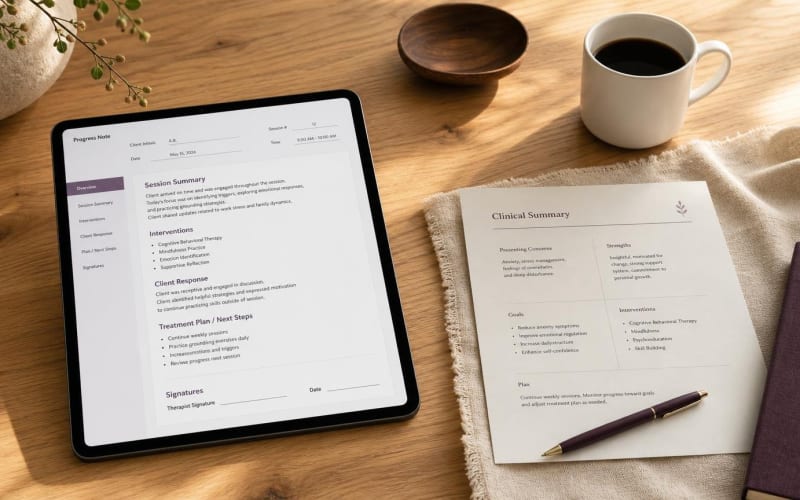
Primary care clinicians routinely manage depression, anxiety, and substance use alongside chronic medical disease. Merry AI's templates keep clinical documentation such as PHQ-9 and GAD-7 scores, diagnoses, and medication changes in the visit note, while psychotherapy process content is excluded from the injected draft. HIPAA gives psychotherapy notes kept separate from the medical record stronger protection, so templates are built to avoid collapsing that content into the shared chart.
Templates also encode established complexity frameworks: PHQ-9 and GAD-7 for behavioral health, NYHA class and LVEF for heart failure, range of motion in degrees for musculoskeletal care, and Bright Futures domains for pediatric visits. These structured markers give the G2211 anchor concrete evidence instead of general assertions.
Clinician attestation is the final step before any note is committed
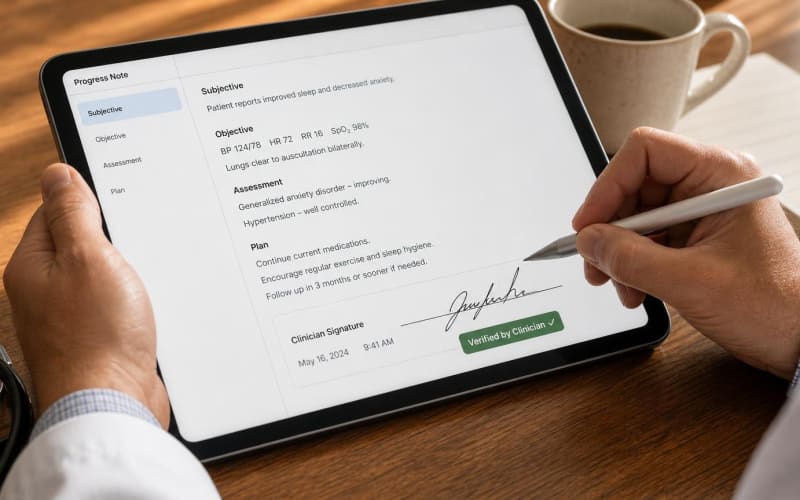
Merry AI never signs, locks, or submits a note. The clinician reviews every injected line in Elation, edits or deletes it, and signs under their own credentials. Organization-level and clinician-level toggles allow practices to disable G2211 drafting entirely for specific payers or locations.
Practices evaluating this workflow can map their current Elation note formats against the overlay in a short session. Schedule a 15-Minute Workflow Audit to review field mapping, G2211 triggering logic, and BAA terms with our team.